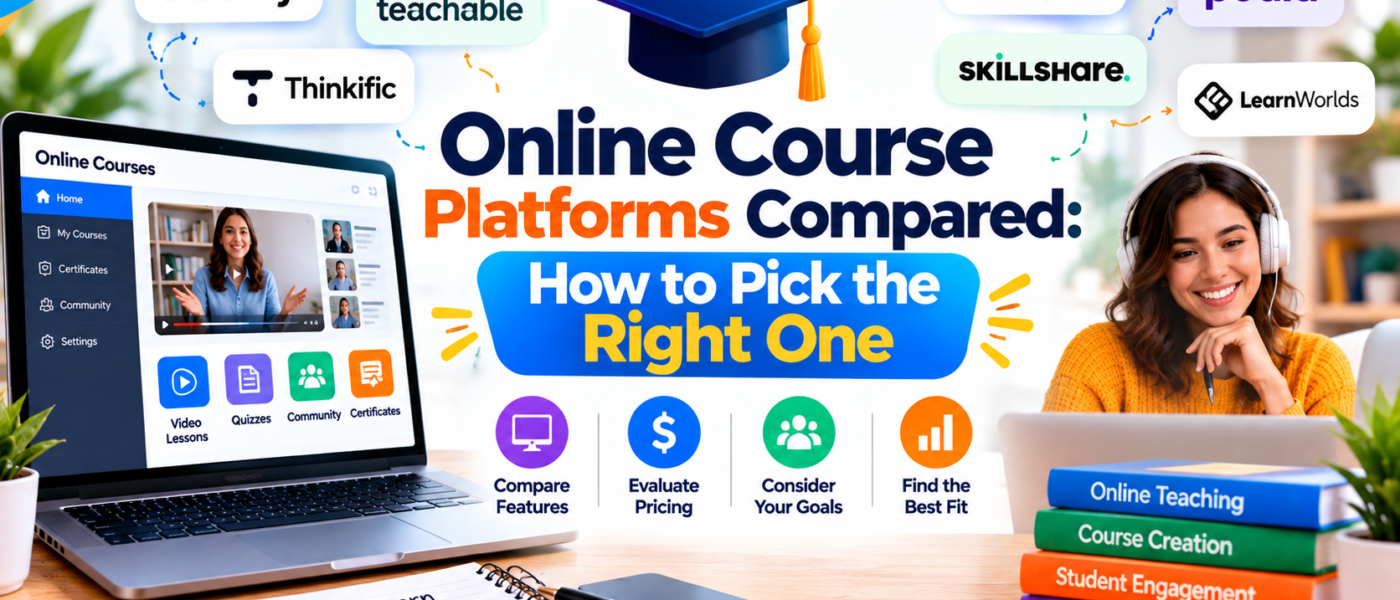
Online courses are among the most popular digital products because they let you package knowledge into a format that people can learn from at their own pace. But before you record a single lesson, you need to decide where your course will live. The platform you choose affects your pricing options, your branding, how students access content, and how much of the revenue you keep. This guide compares the main types of course platforms, explains the features that matter, and gives you a clear framework for choosing the right one.
What an Online Course Platform Does
A course platform is software that hosts your lessons, manages student access, and often handles payments. At minimum, it should let you upload videos, documents, and quizzes, organize them into modules, and give students a place to log in and track progress. Many platforms add extras such as discussion forums, certificates, email tools, and affiliate programs.
The Three Main Categories
1. Course marketplaces
Marketplaces are large websites where instructors list courses and students browse a catalog. Their biggest advantage is built-in traffic: people already visit to find courses. The trade-offs are limited control over pricing, frequent discounts set by the marketplace, shared student data, and a less distinctive brand presence. Marketplaces suit beginners who want exposure and do not yet have an audience.
2. All-in-one course platforms
These services let you build a branded school with your own domain, sales pages, checkout, and student area. You set prices, run promotions, and communicate directly with students. Most charge a monthly subscription or a transaction fee. They are a strong choice for creators who want control and a professional look without technical complexity.
3. Self-hosted solutions
If you run your own website, you can add a learning management system plugin or install dedicated software. This route offers maximum flexibility and ownership but requires you to manage hosting, updates, security, and support. It suits technically comfortable creators or those with specific needs that hosted platforms cannot meet.
Key Features to Compare
Content formats
Check which lesson types are supported: video, audio, downloadable files, text pages, quizzes, and assignments. Some creators prefer short text lessons with printable worksheets, while others rely on video. Choose a platform that fits your teaching style.
Course structure
Look for modules, lessons, drip scheduling, and prerequisites. Drip scheduling releases lessons gradually, which can improve completion rates for longer programs.
Student experience
A clean interface, mobile compatibility, progress tracking, and easy navigation matter more than flashy features. Try the student view yourself and ask whether a first-time learner would feel comfortable.
Payments and pricing options
Platforms differ in the payment methods they support. Useful options include one-time purchases, payment plans, subscriptions, coupons, and bundles. Check how payouts work, how often you are paid, and which currencies and tax settings are supported.
Branding and domain control
If your brand matters to you, confirm you can use your own domain, logo, colors, and custom pages. Strong branding makes your course feel like part of a business rather than a listing on someone else\’s site.
Marketing tools
Some platforms include landing page builders, email campaigns, affiliate management, and analytics. Others expect you to connect separate tools. Decide whether you prefer a single dashboard or a flexible combination.
Community features
Discussion boards, comments, and live sessions can increase engagement and give students support. If community is central to your offer, check how well the platform handles it or whether you will need an external group.
Data and ownership
Ask whether you can export student lists, course content, and sales data. Being able to leave without losing your work gives you negotiating power and peace of mind.
Understanding Costs
Course platforms generally charge in one of three ways, and many combine them.
- Monthly or annual subscriptions. Predictable costs, often with tiers based on number of students, courses, or features.
- Transaction fees. A percentage of each sale, sometimes in addition to payment processor fees.
- Revenue sharing. Common in marketplaces, where the platform keeps a portion of each sale.
When comparing, calculate total cost at a realistic sales level. A low subscription with a high transaction fee may become more expensive than a higher subscription with no fees once your course starts selling regularly.
Planning a Course That Students Finish
Platform features help, but course design determines success. Keep these principles in mind.
- Define a specific outcome. \”Learn to design a printable planner in Canva\” is clearer than \”Learn design.\”
- Know your audience. A beginner needs more explanation and examples than an experienced learner.
- Keep lessons short. Five to ten minute videos are easier to finish than long lectures.
- Include practical tasks. Worksheets, templates, and small projects help students apply what they learn.
- Provide a clear path. Start with a quick win, then build complexity step by step.
Equipment and Production Basics
You do not need a professional studio. Clear audio is the most important element, so a decent microphone is a worthwhile investment. Good natural light, a stable camera or screen recording tool, and a quiet room are enough for most courses. Record in short segments, edit out long pauses, and add captions where possible to improve accessibility and understanding.
Creating a Sales Page That Builds Trust
Your sales page should answer the questions a potential student has before buying.
- Who is this course for, and who is it not for?
- What will students be able to do after finishing?
- What is included: modules, hours of content, bonuses, and support?
- Who is the instructor, and why are they qualified to teach this?
- What is the price, and what is the refund policy?
Avoid unrealistic claims about results. Describe what the course teaches and what effort students should expect to invest. Testimonials from real students help, but only publish them with permission.
Free Previews and Lead Magnets
Offering a free lesson or mini course lowers the barrier to entry and lets people sample your teaching style. Collect email addresses in exchange for access, then follow up with helpful content. Many creators find that a short free workshop converts better than a sales page alone, because students arrive already familiar with the instructor.
Student Support and Feedback
Decide in advance how you will support students. Options include email replies, a comments section, a community group, or scheduled live Q&A sessions. Be honest about response times. Collect feedback at the end of the course with a short survey and use it to improve lessons, fix confusing sections, and plan future products.
How to Choose: A Simple Checklist
- Decide whether you need built-in traffic (marketplace) or brand control (own platform).
- List the content types and teaching tools you require.
- Estimate expected sales and calculate fees at that level.
- Confirm you can export your content and student data.
- Test the student experience on desktop and mobile.
- Check support quality and available documentation.
- Start with a free trial and publish a small test lesson.
Mistakes to Avoid
- Spending months producing content before validating that people want the topic.
- Choosing a platform for its feature list rather than your actual needs.
- Ignoring mobile users, who may make up a large share of learners.
- Making the course too long and overwhelming.
- Failing to update content when tools or methods change.
Beyond the First Course
Once your first course is live, you can expand your offering. Consider a shorter introductory mini course, a bundle with templates, a membership with ongoing resources, or a cohort-based version with live sessions. Each option serves a different level of commitment and price. Reusing your existing materials in new formats is an efficient way to grow your catalog.
Frequently Asked Questions About Online Courses
How long should my first course be?
Shorter is usually better for a first attempt. A focused course with four to six modules that teaches one clear skill is easier to finish, easier to market, and faster to create. You can always add advanced modules or a second course later after you see what students want.
Do I need to be an expert to teach a course?
You need to know more than your audience and be able to explain the process clearly. Many successful courses are taught by practitioners who are a few steps ahead of their students and remember what it was like to start. Be honest about your experience and focus on what you can genuinely teach.
Should I record video, audio, or write lessons?
It depends on the subject and your strengths. Software tutorials work well with screen recordings. Conceptual topics can be taught with short text lessons and diagrams. A mix of formats keeps learners engaged and gives them options for how they study.
How do I price my course?
Consider the transformation your course provides, the length and depth of content, and the prices of similar courses. Many creators start with an introductory price to attract early students and collect testimonials, then raise the price as the course improves. Payment plans can make higher prices more accessible.
How can I improve completion rates?
Keep lessons short, send reminder emails, include small milestones, and offer a simple community space where students can ask questions. A welcome message that explains how to get started also makes a big difference, because the first week often determines whether a student continues.
Maintaining Your Course Over Time
Courses are living products. Schedule a review every six months to check whether tools have changed, links still work, and examples are current. Update lessons that cause repeated questions, add bonus materials, and announce improvements to existing students. This habit protects your reputation and creates natural opportunities to email your audience with useful news.
Final Thoughts
There is no single best course platform, only the best fit for your goals, budget, and comfort with technology. Beginners often benefit from starting on an all-in-one platform with a free trial, building one focused course, and learning from real student feedback. Keep your promises realistic, keep your lessons practical, and keep ownership of your audience through your own email list. With a thoughtful platform choice and a well-designed course, you can create a lasting educational product that serves students for years.